by Mike Agostinelli | Jan 28, 2014 | Guest Post, How-To, Meet a Tech-Savvy Teacher!
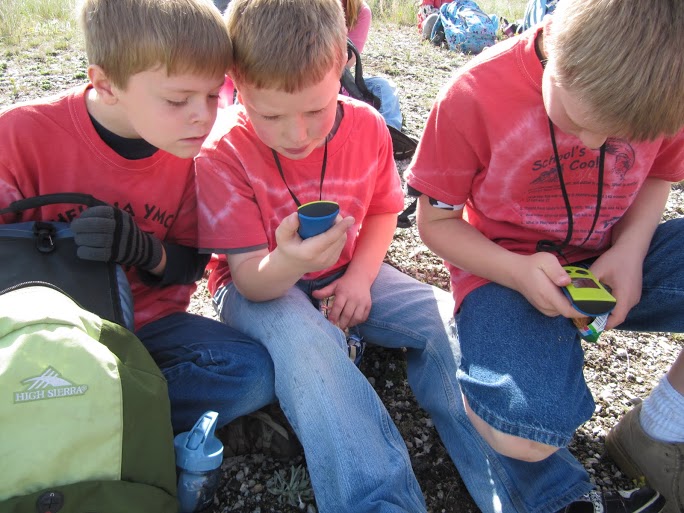
We are honored to have Chelsie Jolley share her experience and knowledge of Geocaching with students. This post was prompted by our Meet a Tech Savvy Teacher section of our podcast. The full video interview is located at the end of this post. Enjoy: Geocaching is a...
by Mike Agostinelli | Jan 21, 2014 | How-To
Google Drawing was added to the Google suite of tools in 2010, but I have found this tool has not made it into the mainstream for many users. The name may be part of the problem as many people assume it is just a “drawing” program. Google Drawing can be...
by Mike Agostinelli | Jan 14, 2014 | How-To
If you have used Evernote before, you can easily see the power of this tool in the classroom. For those of you who haven’t seen Evernote, here is a quick overview: I am a big believer in allowing students to have as many field experiences as possible, but I think one...
by Dr. Jason Neiffer | Jan 3, 2014 | How-To
Are you resolved to expand your tech-savvy in 2014? Let’s get started this weekend! One of the tools that I recommend to all teachers of all levels is Evernote, one of the most productive and versatile tools available to you and your students. What is...
by Mike Agostinelli | Dec 12, 2013 | Curriculum, How-To
Many teachers have seen or heard the power of online collaboration using Google Docs. Google Docs allows the creator to add collaborators through email. An often overlooked feature is that you can create a document for your students to collaborate without them having...
by Mike Agostinelli | Dec 10, 2013 | How-To
If you have spent anytime working in Google Sites you may have found a roadblock when it comes to embedding javascript into Google Sites. The specific tag that Google Sites does not like is <script> </script>. Luckily for us, Miguel...