by Dr. Jason Neiffer | Apr 17, 2020 | Google, Live from NCCE
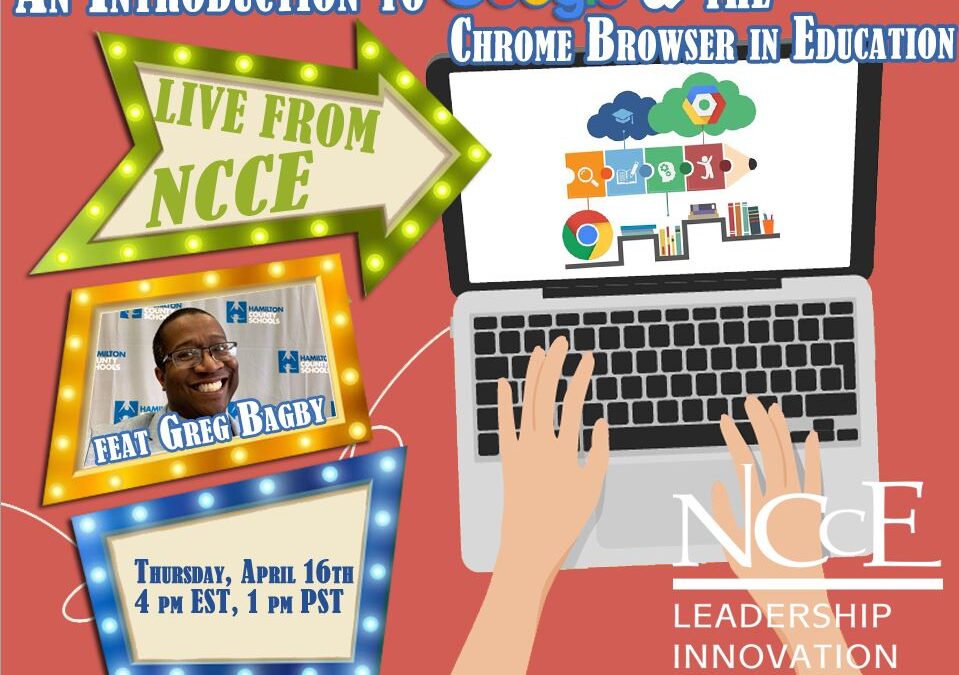
Thanks to all that attended Live from NCCE on Thursday, April 16, 2020 on “An Introduction to Google & the Chrome Web Browser in Education” with Google expert Greg Bagby! Below is an archive of that live event. NCCE offers live events EACH Thursday on...
by Mike Agostinelli | Feb 5, 2019 | Announcements, Be Awesome!, Chrome, Google, Tech Savvy Tip, Tech-Tip Tuesday
This is new video release week at NCCE! Jason and I are releasing our own video series to add to the great lineup of Just in Time Videos from NCCE! In the first Tech Savvy Tip, I show off how to switch between Google profiles in Chrome. If you haven’t been using...
by Mike Agostinelli | Mar 1, 2018 | Chrome, Google
Do you suffer from tab overload? I know I do! I am constantly looking for an extension that helps me with my tab problem, but also gives me the options to keep my most used sites available. Jason and I have been using Tab Wrangler for about 6 weeks and we are happy to...
by Mike Agostinelli | Dec 12, 2017 | Accessibility, Announcements, Apple, Google, Microsoft, Tech Tip
I have been spending a lot of time recently learning and implementing best practices when it comes to making digital resources more accessible for all learners. What I have learned is that adjusting a few steps in your workflow makes a world of difference to not only...
by Mike Agostinelli | Dec 5, 2017 | First Look, Google, Google Apps for Education, Google Sheets, Media
Do you use Google Sheets to organize and analyze data? Are you looking to go beyond the built in charts in Sheets? If your answer is yes to either question you should check out Google Data Studio: Google Data Studio (beta) turns your data into informative dashboards...
by Mike Agostinelli | Nov 16, 2017 | Digital Resources, Google, Media, Online Learning, YouTube Thursday
Do you use digital storytelling in your class? If so, make sure you check out the Google Earth Tour Builder: What is Tour Builder? Tour Builder is a new way to show people the places you’ve visited and the experiences you had along the way using Google Earth. It...