by Mike Agostinelli | Feb 10, 2016 | Google, Hour of Code, Interviews, Keep Kids Coding!, Meet a Tech-Savvy Teacher!, NCCE 2016 in Seattle
Long time readers of the NCCE Tech Savvy Teacher blog will recognize this Tech Savvy Teacher: Kiki Prottsman as she created all of the wonderful examples of How to keep kids coding: Thinking Myself Code Maven Auditorium Magic Pen Manufactoria Alice Logic.ly Dance Mat...
by Mike Agostinelli | Nov 6, 2015 | ChromeBooks, Google, Hardware Reviews, Quick Look, Reviews
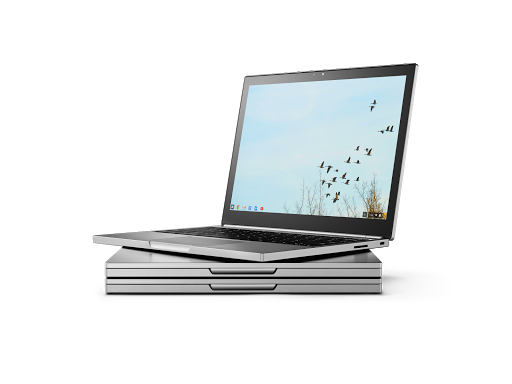
TechRadar released their list of the best Chromebooks of 2015. This list is from the perspective of an individual consumer. Expectations of Chromebooks change when thinking about using them in the educational environment. I have adjusted TechRadar’s top 5 by to...
by Mike Agostinelli | Sep 24, 2015 | ChromeBooks, Google, On Our Radar...
For those of you using Google Classroom with your students, make sure you check out the Google Classroom Chrome Extension: Google Classroom Teachers: Save time and create a more interactive class with the Share to Classroom extension. The extension allows you to push...
by Mike Agostinelli | Jun 19, 2015 | Announcements, Google, Google Apps for Education, NCCE 2016 in Seattle
NEW AT NCCE 2016! DIGITAL BUG & TECH-SAVVY TEACHERS, NCCE SUMMIT FEATURING GOOGLE FOR EDUCATION NCCE is partnering with ESD 112 to host a brand new summit at NCCE 2016! You are invited to submit a proposal for a 50-minute session here. Sessions will be accepted...
by Mike Agostinelli | Jun 18, 2015 | Google, Google Apps for Education, How-To
If you do not have access to Microsoft Word, you can use Google Docs to edit and or create your documents. The following documentation outlines the process:To start you will need to change a setting in your Google Drive to handle Word files correctly. Login to your...
by Mike Agostinelli | Jun 4, 2015 | Google, Professional Learning Networks
As the school year rapidly comes to a close, now is an excellent time to take some small steps to prep your students to hit the ground running in the fall with Google Chrome. If your district does not use Google Apps for Education, this processes will still work as...